
When it comes to optimizing your website for better performance and ranking on search engines, conducting an SEO audit is non-negotiable. But, let’s be real, many people overcomplicate the process, adding unnecessary fluff that doesn’t get you closer to your goals. At Seven Koncepts, we believe in streamlining the SEO audit process and focusing on the core elements that truly make a difference. No gimmicks, just actionable insights.
In this guide, we’ll walk you through a straightforward 10-step SEO audit process that’s practical, efficient, and designed to help you elevate your website’s performance. Whether you’re doing it yourself or working with a team, these steps will give you a clear roadmap to improving your SEO ranking and ultimately driving more organic traffic.
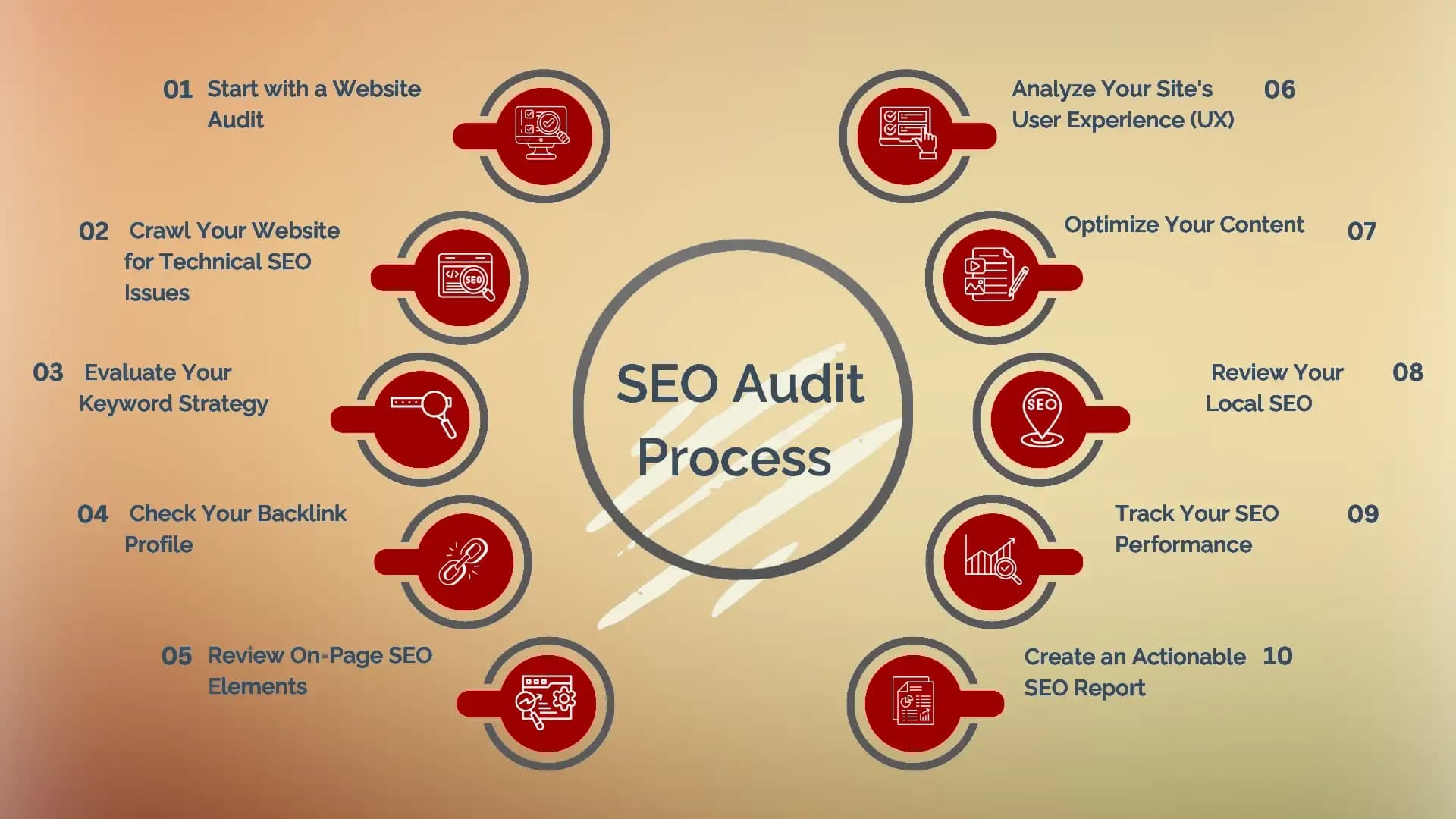
1. Start with a Website Audit
Before diving into technical SEO, start by getting a clear overview of your website’s current performance. A website audit helps you spot issues related to page speed, mobile-friendliness, indexing, backlinks, and much more.
There are many SEO tools available to help with this. Some of our favorites include Ubersuggest and SEO Site Checkup. These tools provide an instant SEO report and identify areas that need attention. A website audit is the foundation of any SEO strategy, and skipping this step can lead to missing critical issues.
2. Crawl Your Website for Technical SEO Issues
Once you have an overall view of your website’s health, it's time to dig into technical SEO. This includes evaluating things like broken links, missing meta tags, duplicate content, slow page load speeds, and crawl errors.
Here’s where tools like Google Search Console and Screaming Frog come in handy. These tools help you crawl your site and uncover hidden problems that might not be visible on the surface but could be affecting your SEO ranking.
Make sure to check:
- Page load speed: A slow website negatively impacts user experience and can hurt your rankings.
- Mobile optimization: With mobile-first indexing, this is more important than ever.
- Crawl errors: Any broken links or inaccessible pages need to be fixed to avoid penalties.
3. Evaluate Your Keyword Strategy
Next, dive into keyword research. It’s one thing to have content on your site, but is it targeting the right keywords? A reliable keyword search tool is critical for identifying the best keywords for your industry.
Tools like Google Keyword Planner Tool and Ubersuggest allow you to perform comprehensive keyword research to find out what people are actually searching for in your niche. Focus on:
- High-volume keywords with low competition.
- Long-tail keywords that can drive targeted traffic.
- And most importantly, keywords that match user intent.
4. Check Your Backlink Profile
Backlinks are a significant ranking factor, and their quality can either boost or hurt your website’s authority. One of the best ways to analyze your backlinks is by using a domain authority checker like Moz or Ahrefs. These tools give you a sense of how authoritative your domain is compared to competitors.
Key areas to focus on:
- Toxic backlinks: Remove any low-quality or spammy backlinks that drag down your SEO.
- Backlink opportunities: Look for opportunities to build high-quality backlinks to boost your domain authority.
5. Review On-Page SEO Elements
Once the technical fixes are done, it’s time to focus on on-page SEO. This includes optimizing your website’s content, structure, and HTML elements. Here's what to check:
- Title tags: Ensure each page has a unique title that includes the target keyword.
- Meta descriptions: A compelling meta description that accurately describes the content of the page can boost your click-through rates.
- Headings: Use proper heading tags (H1, H2, etc.) to organize content and signal to search engines what your page is about.
- URL structure: Clean, readable URLs with keywords help search engines and users alike.
6. Analyze Your Site's User Experience (UX)
User experience is an increasingly important factor for SEO. Google has made it clear that they prioritize websites that offer a great user experience. Page speed, mobile-friendliness, and easy navigation all contribute to how users interact with your site. And remember, a good user experience leads to longer time on site and lower bounce rates, which can improve your SEO ranking.
To improve UX:
- Test your site’s loading speed with tools like Google PageSpeed Insights.
- Ensure your site is mobile-friendly, especially with Google’s mobile-first indexing.
- Simplify navigation and ensure a smooth user journey.
7. Optimize Your Content
Content is still king, but only when it’s optimized. After your technical and on-page SEO elements are optimized, ensure your content is valuable and optimized for both users and search engines. This means:
- Including target keywords in strategic places, like headings and body text.
- Writing high-quality, engaging content that solves problems for your audience.
- Using internal linking to connect related content across your website.
8. Review Your Local SEO
If you run a local business, you can’t afford to neglect local SEO. Ensure that your business appears in local search results by optimizing your Google My Business listing and getting listed in relevant local directories.
Key actions for local SEO:
- Claim and optimize your Google My Business profile.
- Add accurate business details, like hours, location, and phone number.
- Encourage satisfied customers to leave authentic reviews.
9. Track Your SEO Performance
Now that you’ve completed your audit and implemented changes, it’s time to track your progress. Regularly monitor your website's performance using tools like Google Search Console, Google Analytics, and SEO ranking trackers.
Monitor metrics like:
- Organic traffic
- Keyword rankings
- Backlink profile
- Bounce rate and engagement
Tracking helps you determine what's working and what needs further optimization.
10. Create an Actionable SEO Report
Finally, after conducting your SEO audit, it’s time to summarize your findings in a clear and actionable SEO report. This report should outline:
- Issues discovered during the audit.
- The changes made to improve the site’s SEO.
- Recommended next steps for ongoing optimization.
By having a detailed SEO report, you not only measure success but also plan for future improvements.
Conclusion: Your SEO Journey Starts Here
Conducting an SEO audit doesn’t have to be a daunting task, and it definitely doesn’t need to be filled with unnecessary fluff. By following these 10 actionable steps, you can take charge of your website’s SEO and set it on a path to success.
Remember, SEO is an ongoing process. It requires continuous optimization and regular monitoring to stay ahead of the competition. At Seven Koncepts, we provide SEO services designed to help you navigate the digital landscape with clarity, precision, and measurable results.
Ready to get started on your SEO audit? Let’s work together to improve your website’s performance and drive more traffic.
FAQs
1. How often should I conduct an SEO audit?
We recommend performing an SEO audit at least once every 6-12 months. However, if you make frequent updates to your website, a quarterly audit is ideal.
2. What are the best free SEO tools?
Some of our favorites include Google Search Console, Ubersuggest, SEO Site Checkup, and the Google Keyword Planner Tool.
3. How long does an SEO audit take?
The time it takes depends on the size of your website and the complexity of the issues. A typical audit can take anywhere from a few hours to a few days.
4. How do I improve my website’s domain authority?
Focus on gaining high-quality backlinks, optimizing on-page SEO, and improving your website’s user experience.
5. What is the difference between on-page SEO and technical SEO?
On-page SEO refers to optimizing the content and structure of your website, while technical SEO focuses on the backend elements like site speed, mobile-friendliness, and crawlability.